If you’re looking to sell your iPhone or wondering “where to get the highest price in Singapore?” — avoid these mistakes that could result in a lower payout.
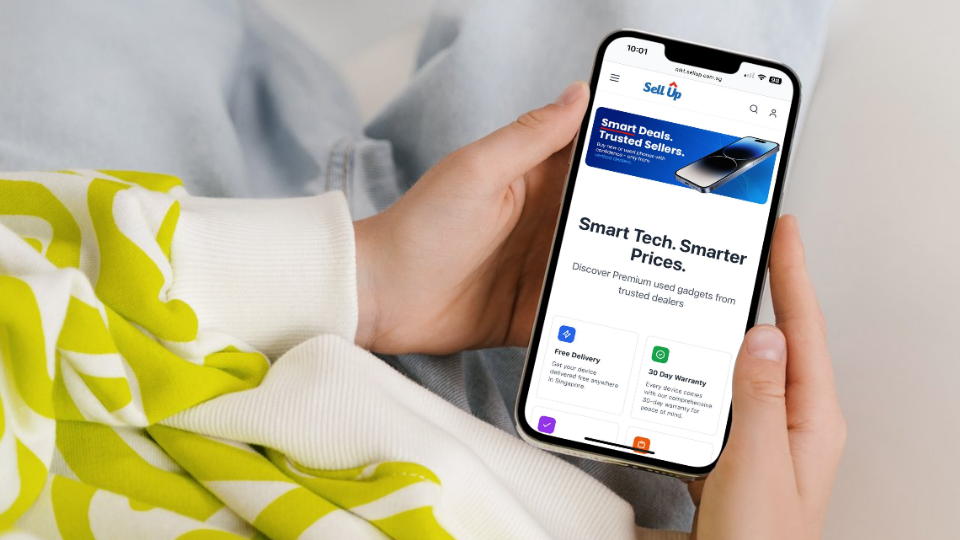
This guide highlights the five most common errors and how to avoid them. For the easiest route, start with SellUp: instant quote, same-day cash, and comparison across verified buy-back partners in Singapore’s largest dealer network. More dealers = better chances of a higher offer.
Here’s what typically goes wrong and how to maximise your trade-in value.
Mistake 1: Over-estimating the Device Condition
When you select “Like New” or “Excellent” but your device has visible wear, battery health issues or screen quirks, the final inspection will lead to a revised offer or even rejection. At SellUp roughly 20-30% of trade-ins are revised after inspection because of inaccurate self-assessment — many due to minor scratches, battery health < 85 % or screen burn-in on OLED displays.
How to avoid this mistake?
- Inspect your phone in natural daylight to spot scratches, dents or screen issues.
- Go to Settings > Battery > Battery Health & Charging (for iPhones) and check the battery health.
- Honestly declare any repair history, cracks, screen replacements.
- Use SellUp’s instant quote function so you can enter accurate conditions and compare across verified dealers for the best price.
Mistake 2: Forgetting to Remove iCloud or Google Lock
Even if a device is in perfect physical condition, devices still linked to iCloud (Find My iPhone) or Google accounts are automatically rejected. Trade-in partners have to decline them because they legally and technically cannot unlock, reset, or use a phone that remains activation-locked.
How to avoid this mistake?
- For iPhones: go to Settings → Apple ID → Find My → Find My iPhone: Off.
- For Android: remove your Google account via Settings → Accounts.
- Always perform a factory reset after backing up your data.
Mistake 3: Not Backing up or Resetting Properly
If you hand over a phone with personal data still inside, the dealer might halt the trade-in due to privacy concerns. Many users also forget to log out of logged-in apps (e.g., WhatsApp or banking), causing delays in verification.
How to avoid this mistake?
- Backup your data to iCloud (iPhone) or Google Drive (Android).
- Remove SIM and memory cards.
- Erase all content and settings (not just delete files manually).
- Use the SellUp platform’s guidance so you’re fully ready when you bring the device in.
Mistake 4: Missing or Mismatched Accessories
When customers select the original charger, box, S-Pen, or other accessories during the online evaluation, the quote assumes a full set. If those items are missing during inspection, the final offer may drop by $10–30 — especially for newer iPhones and Samsung devices. As the pricing adjusts for the lower resale value and replacement cost.
How to avoid this mistake?
- Read the quote terms carefully: is it device-only or does it include accessories?
Platforms like SellUp quote device-only prices, while others may factor in accessories. - If you plan to sell later, keep the box and original charger in good condition.
Use SellUp’s comparison across multiple dealers —some may offer higher value even without accessories, due to their large dealer network.

Mistake 5: Thinking You Don’t Need to Compare Offers
If you trade-in at the first outlet you see without comparing across dealers, you might miss out on a higher cash value. A large network gives you competitive offers.
How to avoid this mistake?
- Use SellUp to compare multiple verified buy-back partners quickly.
- Get your instant quote, check how much you can get from various dealers.
Common FAQ: Top Trade-in Rejections & Delays
Q: What are the most common customer issues or rejections during trade-ins?
- iCloud/Google lock not removed ≈ 40% of rejected trade-ins.
- Device condition mismatch ≈ 30% of issues.
- Customer no-show or late appointment ≈ 20%.
- The remainder (~10%): third-party parts, faulty functions, Mobile Device Management (MDM) locked phone, device still under leasing plan.
Q: How to make sure my transaction doesn’t get delayed?
Clear all locks, back up your data, and reset the device ahead of time. When submitting your details through SellUp, be honest about the phone’s condition so the instant quote stays accurate. Once your appointment is confirmed, show up on time — a prompt handover helps the inspection and trade-in process move smoothly without delays.
Why SellUp is the Smart Choice
- Instant quote: Enter your device details and get an offer within seconds.
- Compare verified buy-back partners: Receive multiple bids from trusted dealers — increasing your chances of a higher cash value.
- Fast, secure payout: Once the device is inspected, payment is processed immediately.
- Largest dealer network: More buy-back partners on one platform means more competition and, often, better prices.
- Full transparency: You’ll know exactly what affects your valuation (condition, accessories, locks) and what to do to maximise it.
Final Takeaways
A few minutes of preparation can mean a noticeably higher payout—and a smooth, fast trade-in from start to finish. Trading in your phone in Singapore isn’t complicated, but the small details matter. Most failed inspections, lower-than-expected offers, and trade-in delays come from avoidable mistakes: incorrect condition grading, forgotten iCloud or Google locks, incomplete resets, or mismatched accessories.
Starting with a platform like SellUp removes most of the guesswork. You get an instant quote, a transparent evaluation process, and comparisons across verified buy-back partners in Singapore’s largest dealer network, giving you a higher chance of securing the best trade-in value.