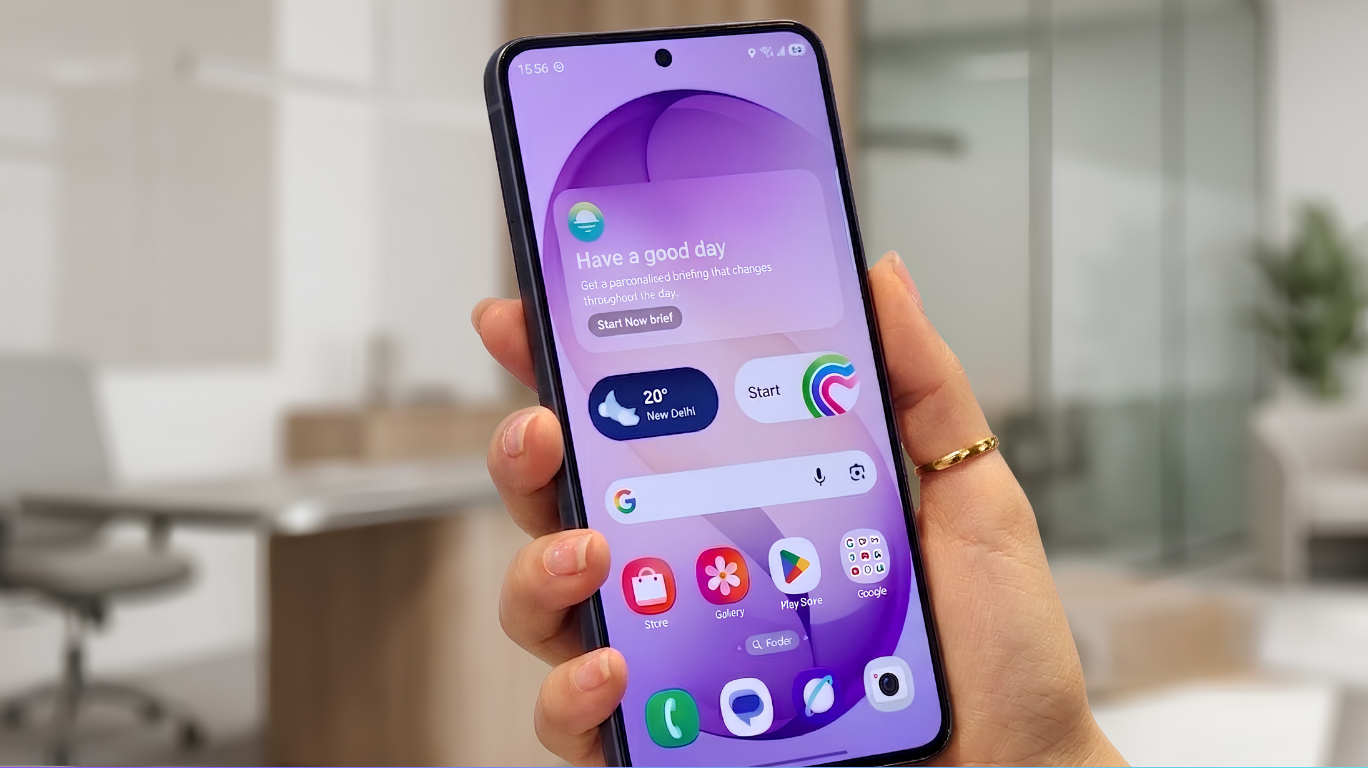
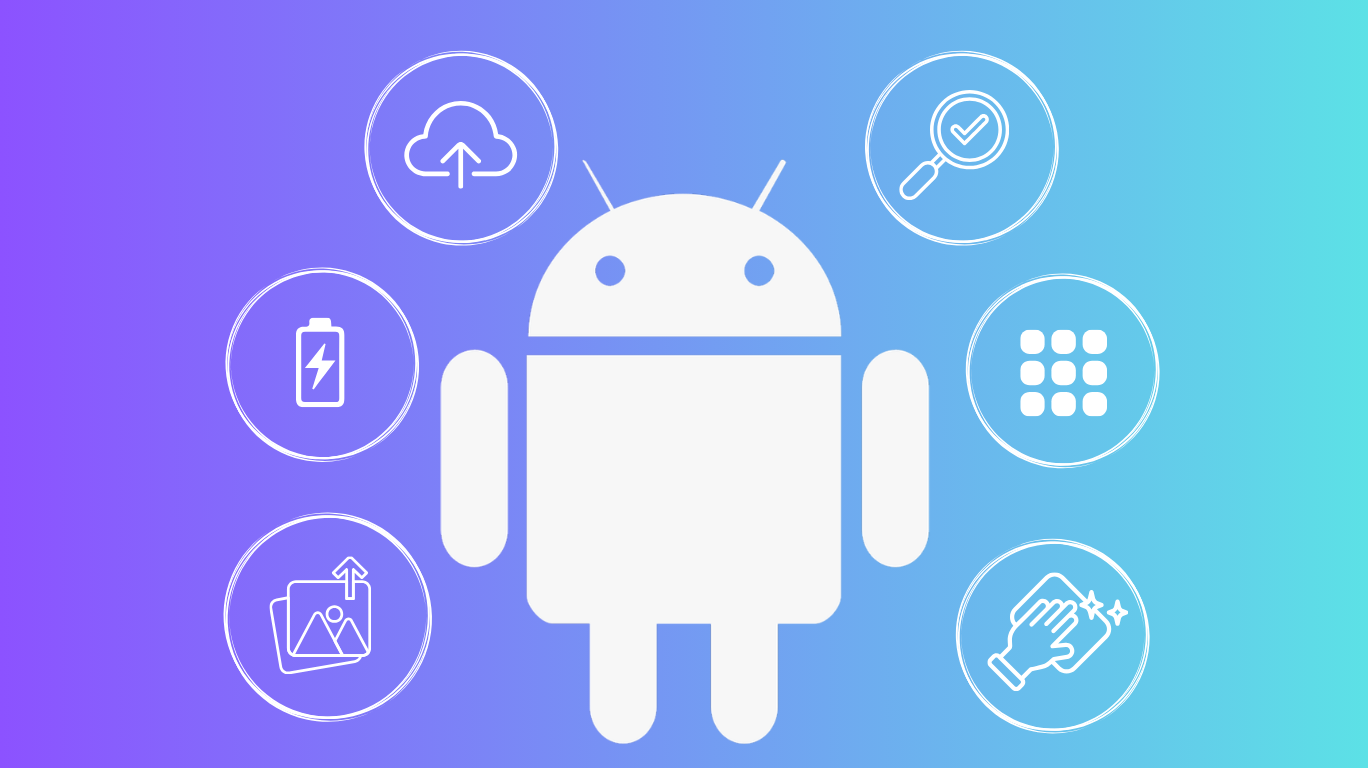
It doesn’t take long for even the greatest flagship out there to feel slow and laggy over time. Luckily for you, it is not necessary to purchase a new smartphone on an annual basis to experience fast and responsive performance. In this article we teach you how to improve your phone maintenance through six basic Android tips such as taking care of your battery, optimizing deep storage, etc. By making very small changes to your everyday habits, you will have greatly improved both the long-term performance and how long your device will last.
Take a look at these Android tips!
Stop ignoring the “Update” button
Those software update notifications aren’t just nagging you— Your device’s slow speed may be related to a lack of software updates. Head to Settings > System > System update to ensure you’re on the latest Android version, and that there are no pending updates for any of your downloaded applications in Google Play Store. Software developers are releasing these updates in order to login to their accounts’ bug fixing, patch security issues, and make performance enhancements.
Take care of your phone’s battery
Optimize your battery settings for longevity
Your battery doesn’t enjoy running on fumes or being perpetually maxed out. Android’s Adaptive Battery feature monitors your usage patterns and automates the reduction of power to less frequently used applications. You can assist by turning down your display brightness a little, decreasing your screen timeout and putting your device into Battery Saver mode while you are on the go. Additionally, manually close all applications running in the background that you are not using.
Rethink your daily charging habits
If you want your battery to last longer, avoid leaving your device plugged into the charger all day long or the battery getting completely drained (0%). Having the battery maintained between 20% and 95%, will help reduce the amount of time that your battery will deteriorate, so your phone can maintain its ability to get through a day like it did the day you purchased it.
Delete unused apps
When was the last time you scrolled through your app drawer and did a serious inventory check? To start your Android optimization, find some time for yourself to get in touch with your inner digital minimalist by deleting applications that you haven’t opened in some time, games or random apps that no longer serve you because of lack of use. When you have more apps and larger data files than you need occupying limited space on your phone, you will be putting extra stress on your phone’s hardware and causing it to work harder than necessary to keep everything functioning properly.
Additionally, you can back up older data files or pictures to the cloud, providing more local storage available to run and hold other types of data files and apps. By removing the clutter that you have created with all this data and applications on your phone, you will reduce the stress on your device and decrease the likelihood of tech burnout happening at an early age.
Clear your phone Cache
As you surf the Web, your device is collecting temporary junk with every page that you visit- things like cookies, script files and cached images. This junk is used to speed up the time it takes for you to visit a page again but, over time, that buildup of digital junk can contribute to your Internet connection being sluggish or having irregular behavior on different Internet sites. Using Chrome, go into your settings (Settings > Privacy & Security > Clear Browsing Data), choose Cached images and files, and clear out those permanently for better phone maintenance.
Need help unlocking your phone? Find out how to do it if you’ve forgotten your password
Keep your phone clean
It might sound surprisingly simple, but keeping your phone physically clean is one of the easiest ways to ensure optimal phone maintenance. Dust particles, lint, and dirt can quickly accumulate within your phone’s charging port and speaker grille and around the edge of your phone screen. Not only do these particles create an unsightly phone, but they may also impede the operation of your phone – such as slower charge times, less responsive touchscreens, and muffled sound quality. To avoid potential problems, develop the habit of regularly wiping down the exterior of your phone with a microfiber cloth and eliminating dirt in the ports using a small brush or a toothpick.
Restart your phone
It might sound like the oldest tech-support cliché in the book, but a periodic restart genuinely works wonders. Restarting your phone will clear out all of the temporary storage on the Android system, close down any background processing that is not functioning correctly which cannot be seen.
Bonus tip: protect your device from extreme temperatures
Extreme weather conditions are not good for both the battery and the internal parts of your Android. If you leave it in really hot places like a car on a hot day or in very cold places like outside in the winter, this will deteriorate the battery permanently and will make it run slow. Always keep the device close to room temperature to maintain the health of the hardware inside.
Final words
Keeping your phone running like it’s brand new doesn’t require much—just a few smart, consistent Android optimization habits. Cleaning your hardware on a regular basis, installing all software updates available for your device, and establishing a battery charging routine can all contribute towards extending the life of your smartphone. Then when you add in regular digital decluttering, routine cache clearing, and occasional quick restarts – your device will be able to perform just as well today as it did on the day you first opened it. We hope that these easy maintenance tips will allow you to get the maximum use out of your current phone.
Thinking of selling your phone? Discover how to wipe your phone safely before selling it