Trading in a MacBook is one of the fastest ways to recover value from a device you no longer use—but only if you avoid the common mistakes that slow down verification or reduce your final offer. This updated 2025 guide covers accepted models, what dealers look for, how to prepare your MacBook properly, and how SellUp helps you secure a fair, fast, and safe trade-in experience.
The Most Common Mistakes Users Make When Trading In MacBook
1. Not Signing Out of iCloud or Leaving the Device Password-Locked
Laptops still logged into iCloud, synced to Find My, or protected by a user password cannot be reset or inspected. This is one of the biggest causes of delays or rejected trade-ins.
2. Forgetting to Back Up Documents and Files
Many users hand in devices with work files, photos, or saved passwords still inside. Completing a proper backup is essential before wiping the laptop.
3. Misjudging the Hardware Condition
MacBook valuations drop quickly when core components show wear or faults, especially:
- Battery cycle count above 500
- Keyboard wear or non-functioning keys
- Dead pixels or display burn-in
- Loose USB-C or charging ports
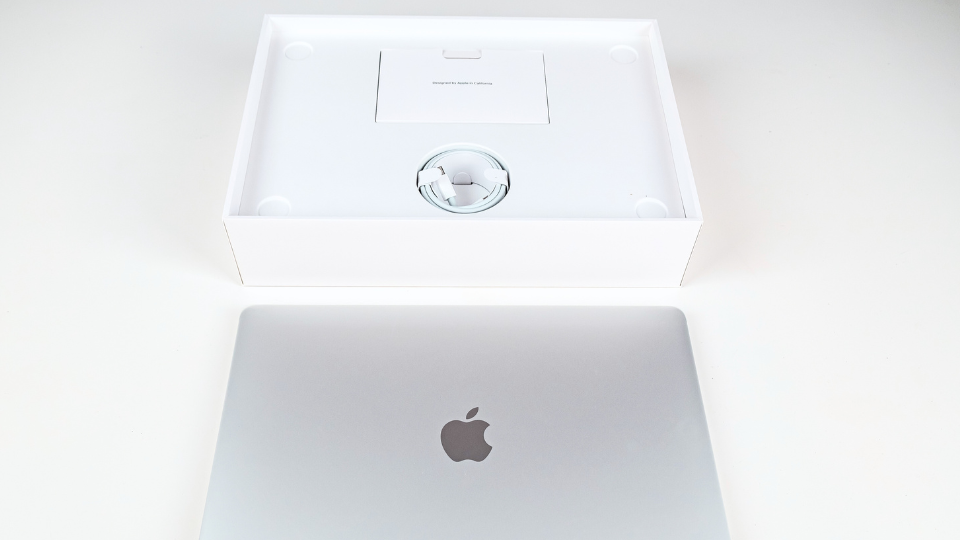
4. Missing the Original Charger
Unlike phones, laptop trade-ins place strong emphasis on original accessories.
Missing the original charger almost always results in a lower valuation.
How MacBook Trade-Ins Differ from Phone Trade-Ins
1. Longer Reset Times
Laptops take significantly longer to reset than phones.A full MacBook backup, wipe and reinstall can take 30–60 minutes, whereas phones typically take 10–15 minutes.
This makes preparation more important for MacBook trade-ins.
2. Checking device specifications
Phones have straightforward, fixed specs, but MacBooks require checking multiple components, such as:
- Processor
- RAM
- Storage
- Battery cycle count
- Model year
- Screen type
SellUp provides a step-by-step laptop specifications guide to help users avoid confusion.
3. Slower Depreciation for Apple MacBook
MacBooks generally hold value better than Windows laptops.
In Singapore’s resale market:
- Non-Apple laptops often drop to 20–30% of their original value after 3 years
- MacBooks depreciate more slowly due to higher demand and longer usability
What MacBook Models Can You Trade In?
SellUp accepts MacBook (including older Retina models), MacBook Air, MacBook Pro and even models as far back as 2015. You can check all the models currently being buyback.
SellUp does not formally offer iMac trade-ins due to low resale demand in Singapore.
However, you need to sell one, SellUp will still assist via WhatsApp to locate a suitable buyer through its dealer network.
Are More Device Categories Coming Soon?
Yes. SellUp plans to expand beyond mobile and laptop trade-ins to include:
- Home appliances
- VR headsets
- TVs
- Self-care appliances
This allows users to safely offload more types of electronics through a trusted platform.
Final Takeaways
Trading in your MacBook is straightforward when you prepare properly. Issues like iCloud lock, forgotten backups, high battery cycles, display wear and missing chargers are fully avoidable with a bit of planning.
Once the device is ready, SellUp gives you the clearest path to a strong and fair offer—instant quote, verified partners and on-the-spot payment, backed by Singapore’s largest buy-back network.
Whether you’re upgrading or clearing unused tech, SellUp ensures your trade-in is fast, safe and hassle-free from start to finish.