Find the Brand and Series
Method 1: Check for a Physical Label on the Bottom, Sides, or Back of the Laptop
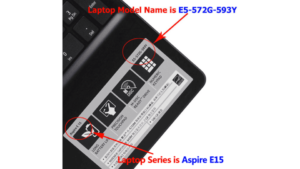
Label on or near the keyboard (credit: laptopbatterie.fr)
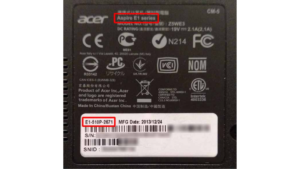
Label on the base of the laptop (credit: keyshorts.com)
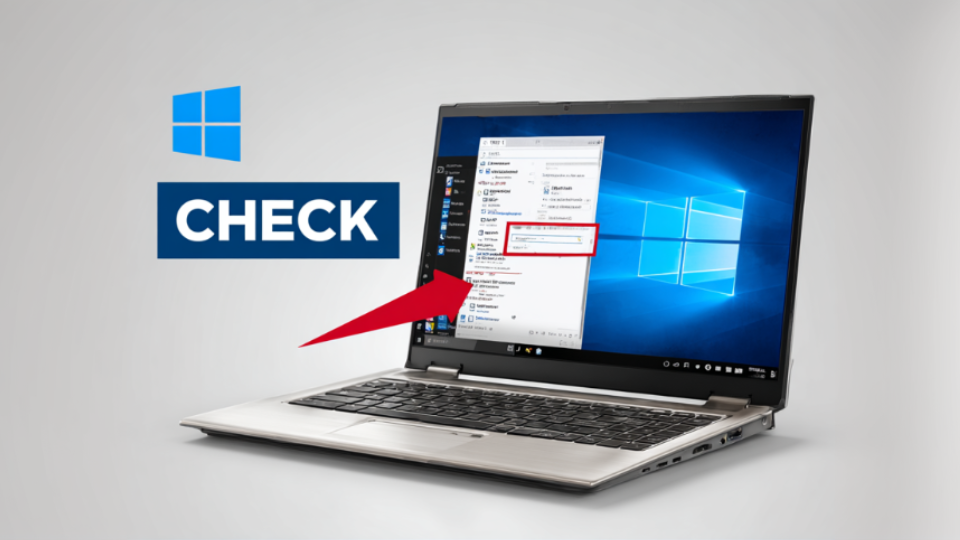
Method 2: Using System Information
Open Settings from the Start menu
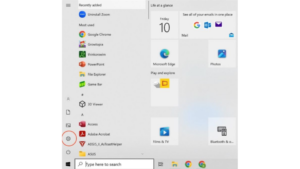
Click System, then scroll down and select About
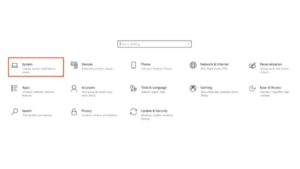
Find the series under System Model
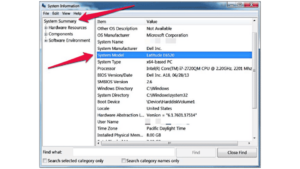
Find the CPU and Generation
Go to About and the Processor and Generation will be shown.
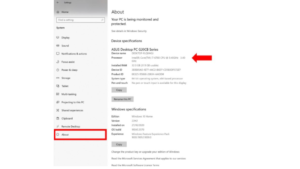
How to Know the Processor Generation
Example: Intel Core i7–6700
- i7: This is the CPU of the laptop
- 6: This is the 6th generation of Intel Core i7
Example: Intel Core i5–13700K
- i5: This is the CPU of the laptop
- 13: This is the 13th generation of Intel Core i5
Example: Ryzen 5 7600X
- 5: This is the CPU of the laptop
- 5: This is the 7th generation of AMD Ryzen 5
Find RAM Information
Go to About and the Installed RAM will be shown.
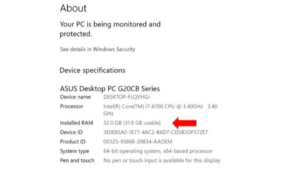
Find if Storage is SSD or HDD
Open the Windows Search bar, type ‘device manager‘. Select Device Manager from the result provided.
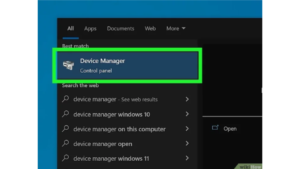
Click the drop-down arrow next to “Disk Drives“. This will reveal your computer’s hard drives. You will see either SSD or HDD in each drive’s name.
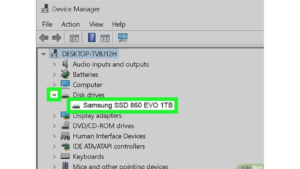
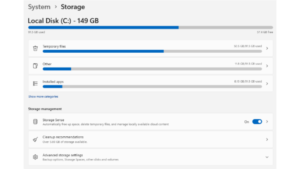
Find Storage Information
Go to Settings > System > Storage
Find Screen Resolution
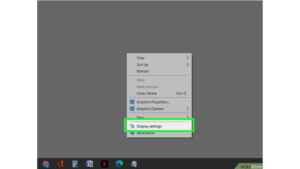
Right-click the desktop and select “Display Settings.”
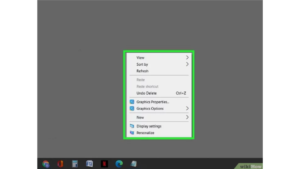
Click ‘Display Settings’. This opens the Display Settings panel.
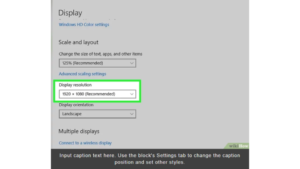
See ‘Display resolution‘. The (Recommended) resolution is your laptop default resolution.
Find Graphic Card
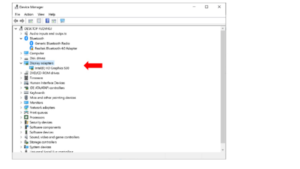
- Type “device manager” in the search bar and open it.
- Click on ‘Display adapters‘ to see what graphics card you have.
Conclusion
Selling your laptop doesn’t have to be stressful. Instead of spending hours taking photos, writing listings, and negotiating with strangers on C2C platforms, you can simplify the entire process with SellUp.
With just a few clicks, you’ll:
- Select your laptop’s specs and condition.
- Get instant offers from multiple verified secondhand dealers in Singapore.
- Choose the deal you’re happy with.
- Arrange for a store visit and get paid on the spot.
It’s transparent, safe, and designed to save you time. More importantly, by giving your laptop a second life, you’re also helping reduce e-waste and making a sustainable choice.
So if you’re ready to upgrade or clear out your old device, skip the hassle – sell your laptop the smarter way with SellUp today.
Need Help?
Let us know if you have any queries on our service. WhatsApp or call us at 9336 0575 or email us at service@sellup.com.sg.