Introduction
WhatsApp is undergoing its biggest evolution yet, transitioning away from mandatory phone number sharing in its largest fundamental shift in user privacy. For years, handing out your phone number to strangers, delivery drivers, or clients in Singapore posed identity risks. This WhatsApp update solves that security loophole. Meta has officially kicked off a gradual reservation system before username search goes live—meaning the global land grab for custom handles has officially begun.
What Are WhatsApp Usernames and How Do They Work?

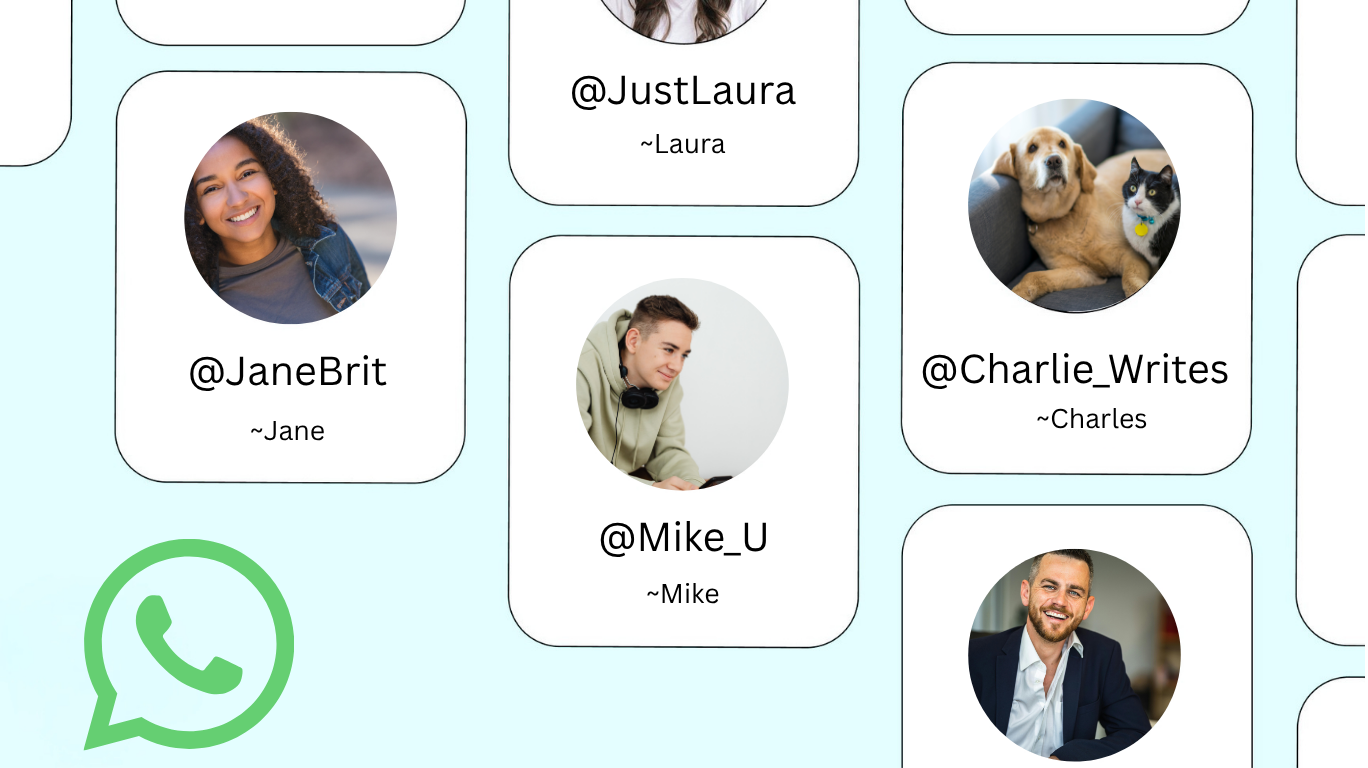
We are witnessing the death of the phone number intro. While you still strictly require a registered mobile number to create your WhatsApp account, it will no longer serve as your mandatory digital calling card. Instead, you can hand out a custom handle to keep your personal identity secure and private in Singapore’s digital landscape.
But how will people actually find you?
There will be a direct search interface built right into the app. By typing a target WhatsApp username, a user can instantly spin up a fully encrypted chat window with you—completely bypassing the need to exchange mobile numbers. There is no searchable public directory, so they will need to know your exact unique username to reach out.
The Formatting Rules
To secure your preferred spot, you must follow a few straightforward formatting rules:
- Your username must be completely unique across the global network.
- It requires a length between 3 and 35 total characters.
- Finally, it must contain at least one letter, and it supports a mix of letters, numbers, periods, and underscores.
Grab yours today!
Why This is a Game-Changer for Privacy
The Anti-Spam Barrier
This isn’t just a cosmetic WhatsApp update—it’s a fundamental privacy overhaul. The anti-spam wall is quite solid: there isn’t any public search-supported user directory. Thus, scraping scripts and bot data collection are running unsuccessful and your username remains hidden from data breaches. Actually, your profile cannot be found without your consent to share your username.
Total content control is the real superpower here.
You maintain complete discretion over when to hand out a username versus your actual underlying telephone line. Meeting a seller or client? Share only your username. Networking at a tech conference? Username first, phone number later—if ever. Your personal digits become a closely guarded secret, shared strictly on your terms.
Anti-Squatting Protections
Meta has also baked in anti-squatting protections to prevent chaos. Bad actors are automatically blocked from registering handles belonging to protected public figures, global brands, and politicians. This WhatsApp update means you won’t see impersonators masquerading as your local MP or favorite Singaporean business.
By merging it with their secure chat foundation, WhatsApp has been able to develop a communication model that puts privacy above everything else—something thoughtful consumers have wanted for some time now.
Are you an Android user? Click here and learn 6 easy tips to keep your phone running like new
Step-by-Step: How to Reserve Your WhatsApp Username Right Now
Ready to claim your digital identity? Let’s walk through the process—and there’s even a priority track for the lucky few.
The Priority Track Shortcut
If you’re a creator, business, or organization with an established Meta presence, you get expedited access. Link your Meta accounts to immediately import your existing, verified Instagram or Facebook handle as your WhatsApp username. This ensures brand continuity across platforms and prevents impersonation from day one.
For everyone else, here’s the manual process:
Step 1: Update your application.
This is your prerequisite. Ensure your iOS or Android version of WhatsApp is updated to the absolute newest release via the App Store or Google Play Store. The username feature won’t appear on outdated versions, so don’t skip this.
Step 2: Navigate to the menu.
Open WhatsApp, select Settings (or tap your profile picture icon), and tap into the Account submenu—you’ll spot it by the key icon. This is where your privacy controls live.
Step 3: Enter the reservation portal.
Tap on the newly added Username option located directly inside the main Account layout. If you don’t see it yet, the rollout may still be reaching your device, so check back soon.
Step 4: Claim your handle.
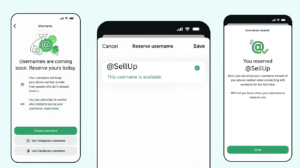
Tap Create Username and type your desired handle. Watch the indicator closely—if it turns red, that name is taken. Keep tweaking until the confirmation indicator turns green, then save. Congratulations, you’ve just future-proofed your WhatsApp privacy in Singapore.
Troubleshooting: What to Do If the Option Isn’t Showing
Don’t panic if you can’t spot the WhatsApp usernames option yet—you’re not alone. The staged rollout reality means Meta deploys regional updates incrementally by server clusters. Your availability depends heavily on your geographic location and device pool, so a friend on iOS might get access while you’re still waiting on Android, or vice versa. Frustrating, yes, but entirely normal for a feature this significant.
The best move is patience paired with vigilance. Keep an eye out for in-app alerts—a dedicated dashboard notification will ping your phone natively once your specific account tier is whitelisted for reservation. There’s no hack to jump the queue, so resist sketchy third-party workarounds. Update regularly, check back every few days, and rest assured Singapore is firmly on Meta’s priority rollout map.
Final Words
While usernames cannot be used to message people just yet, reserving your custom handle today is a crucial move for your digital footprint. Think of this phase as securing prime digital real estate in the evolving privacy landscape. Seizing the opportunity to secure a concise and catchy username now means that you will not have to settle for a name that has numbers or strange symbols attached to it later on when the system is officially up and running. Early adopters are in the best position to protect their name, according to tech lovers and responsible consumers alike. Update your app and lock in your custom handle today!
Thinking about getting a secondhand phone? Click here and learn everything you need before you buy a used iPhone or android phone in 2026