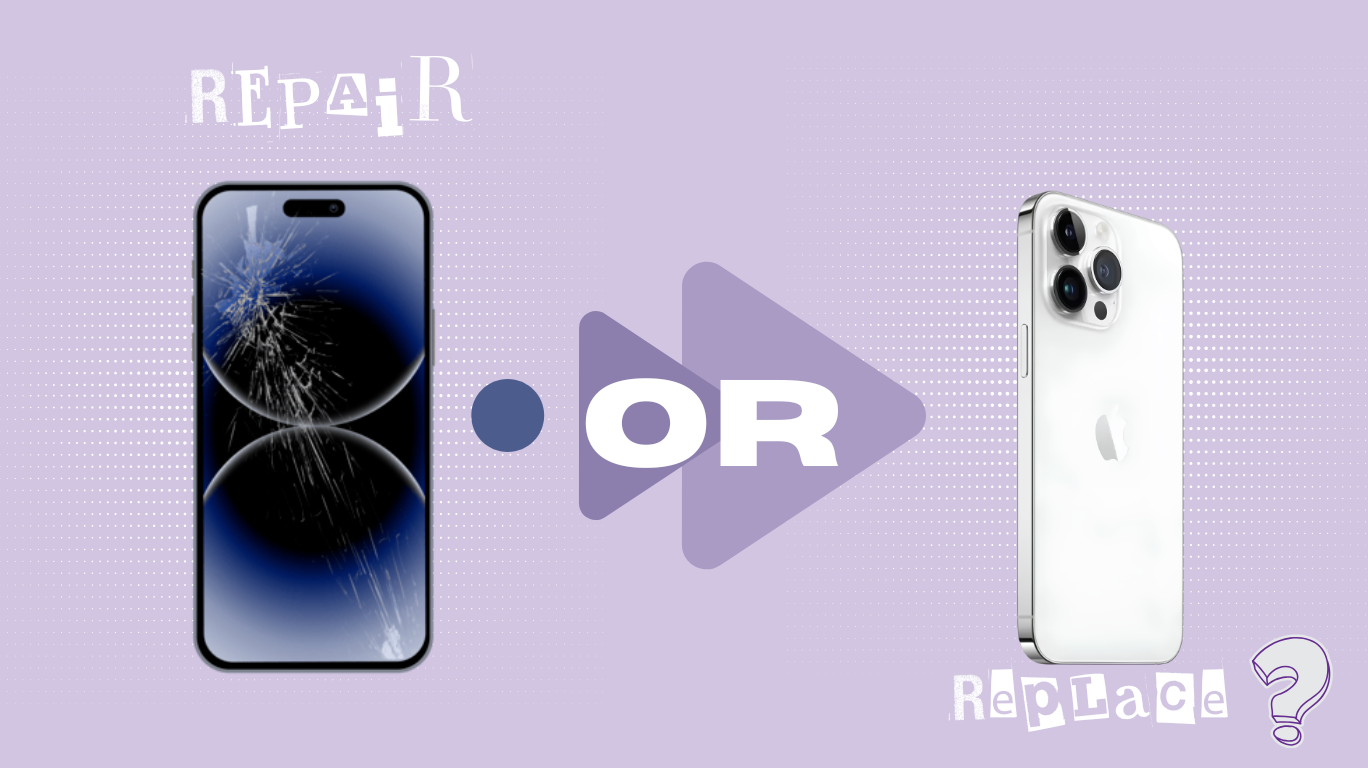
When your phone or tablet gets a cracked screen or a battery that barely lasts, the question arises: Is it better to repair or replace a phone or tablet? While the memories associated with the device or anxiety about learning to use a completely different mobile device can lead to an emotionally based decision, but this may ultimately cause you more financial harm than good. Before heading straight to the repair shop, trade-in tablet, or purchasing a brand-new device, take a moment to gather your thoughts and consider the practicality of making an informed decision by using a simple, logical rule which will assist you in deciding whether it is worth repairing, or if you should cash in and purchase a new one.
The 50% Rule Explained
There is an extremely simple way to know what your best options are when it comes time to consider making a choice based on data analysis: The 50% rule helps you answer, “Is it better to repair or replace a phone or tablet?” without second-guessing. Before making any decisions about your current devices, you need to first verify what the actual market value of your device is. Don’t look at what you originally paid at an Apple Store three years ago; instead, check local secondhand platforms like SellUp to see what identical models are actively selling for in Singapore today.
Once you have that market value, apply the formula:
- If Repair Cost < 50% of Market Value → Repair it.
- If Repair Cost > 50% of Market Value →Sell/Cash out.
Suppose you have an older flagship device (like an iPhone 12 Pro Max) and the screen is cracked/damaged. If the current second-hand market value of your iPhone 12 Pro Max is approximately S$400 and the cost of having the screen replaced will be approximately S$260, (around 66%) of the current fair market value of your iPhone 12 Pro Max to repair the screen. Therefore, you would be better off selling your device for parts or cashing out and then purchasing an upgraded flagship device.
On the other hand, if you had a newer mid-range device valued at approximately S$500 and the cost to have the battery replaced is only S$90 (approximately 18% of the current fair market value of your mid-range device), then you would have a far better chance of making a more sustainable choice if you repair your mid-range device rather than cashing out of the device.
When Repairing is the Smartest Move
Battery Revival
A battery replacement is almost always a high-return investment. For $60 to $120 at a reputable shop—far below the 50% threshold of most modern devices—you can restore all-day endurance and squeeze out another 1–2 years of reliable use. It’s the single most effective way to delay a costly upgrade.
Single-Component Failures
Single-component failures are equally worth fixing, especially on a device less than two years old. A broken charging port, a faulty rear camera lens, or a straightforward front-glass replacement typically stays well under that 50% value line, and the repair is quick. The device’s core processor, storage, and software updates still have plenty of runway.
Familiarity and Time
Setting up a new phone means transferring two-factor authentication tokens, downloading banking apps again, and risking incomplete WhatsApp backups. Add the cost of fresh cases and screen protectors, and the invisible friction can rival a modest repair bill. In Singapore’s fast-paced rhythm, holding onto a device you already know often saves more than just dollars.
When You Should Just Cash Out (Signs it’s Time to Sell)

The “software support cliff” turns a physically flawless phone into a ticking clock.
Once your device stops receiving critical operating system and security updates, every log-in to an app becomes a liability. No amount of polish can fix that—sell before it loses all market value.
Cascading hardware failures are a classic money pit.
You replace a cracked screen, only to discover the battery is degraded and the charging port is loose. Piece by piece, the cumulative repair cost blows past the device’s resale price. Stopping early and cashing out is far smarter.
Severe motherboard or liquid damage demands special caution.
Singapore’s humid climate can accelerate delayed internal corrosion—what seems like a dry splash today may cause unpredictable failure weeks later. Liquid-exposed repairs are a gamble; a stable fix today doesn’t guarantee tomorrow.
Outdated specs can’t be repaired.
When a sluggish processor struggles with everyday apps or 64 GB of storage leaves you constantly deleting photos, no repair will restore a smooth experience. At this stage, asking “Is it better to repair or replace a phone” is useless. That’s your cue to sell and reinvest in a device that keeps up.
Click here to learn everything you need to know if you’re selling a phone with cracked back glass
Quick Phone & Tablet Decision
Here’s an easy visual chart to let you self-diagnose your device immediately.
| Scenario / Damage Type | Best Path | Primary Reason |
| Degraded battery (Health under 80%) | Repair | Low cost, instantly restores performance. |
| Cracked screen on a device under 2 years old | Repair | Keeps a high-value asset in play for a fraction of replacement cost. |
| Multiple issues + No more security updates | Sell / Trade-in tablet or phone | Sinking money into unsupported hardware is a security risk. |
| Severe liquid damage (Device won’t power on) | Sell for Parts | Unpredictable long-term reliability; diagnostic fees add up. |
How to Maximize Value If You Decide to Sell

Don’t throw it in a drawer
Speed is key after you make up your mind to sell. Don’t put it away in the drawer; electronic devices depreciate quickly and the sooner you can sell it, the more money you will get back.
Selling Broken vs. Selling Used
If your electronic device is broken, sell it as such on the local marketplace using “broken” or “for parts” as your title to appeal to those who fix things and to recycle parts.
If you’re selling a phone with a broken camera lens, check here what to expect
The Trade-In Alternative
Another option would be to check with your service provider or the manufacturer if they have offers on trading in your device for a flat amount, even if the device is cracked. Look for a trade-in tablet option with your carrier; they might accept even cracked units.
The Secure Wipe
Lastly, you need a way to wipe your information and reset the device to factory settings properly, first back up your data and get a factory version of the device, to protect your private information from the new owner.
Final Words & Next Steps
Before you commit, balance the immediate cost of the fix against the device’s long-term value—not just what you paid, but what it’s worth today. And here’s a green bonus: every repair or responsible resale keeps functional materials circulating and prevents your gadget from becoming a toxic addition to a landfill. A smarter choice for your wallet can also be the kinder one for Singapore.